Have you ever watched a technician sprint from the rooftop chiller to the basement control room, wrestling with radios and paper logs, chasing elusive data just to keep systems cool? Imagine the pressure as critical alarms ring, while valuable minutes slip away.
Now, picture a different scene: a technician calmly checking real-time KPIs, managing the entire system directly from a mobile app right at the source. Which world would you rather work in?
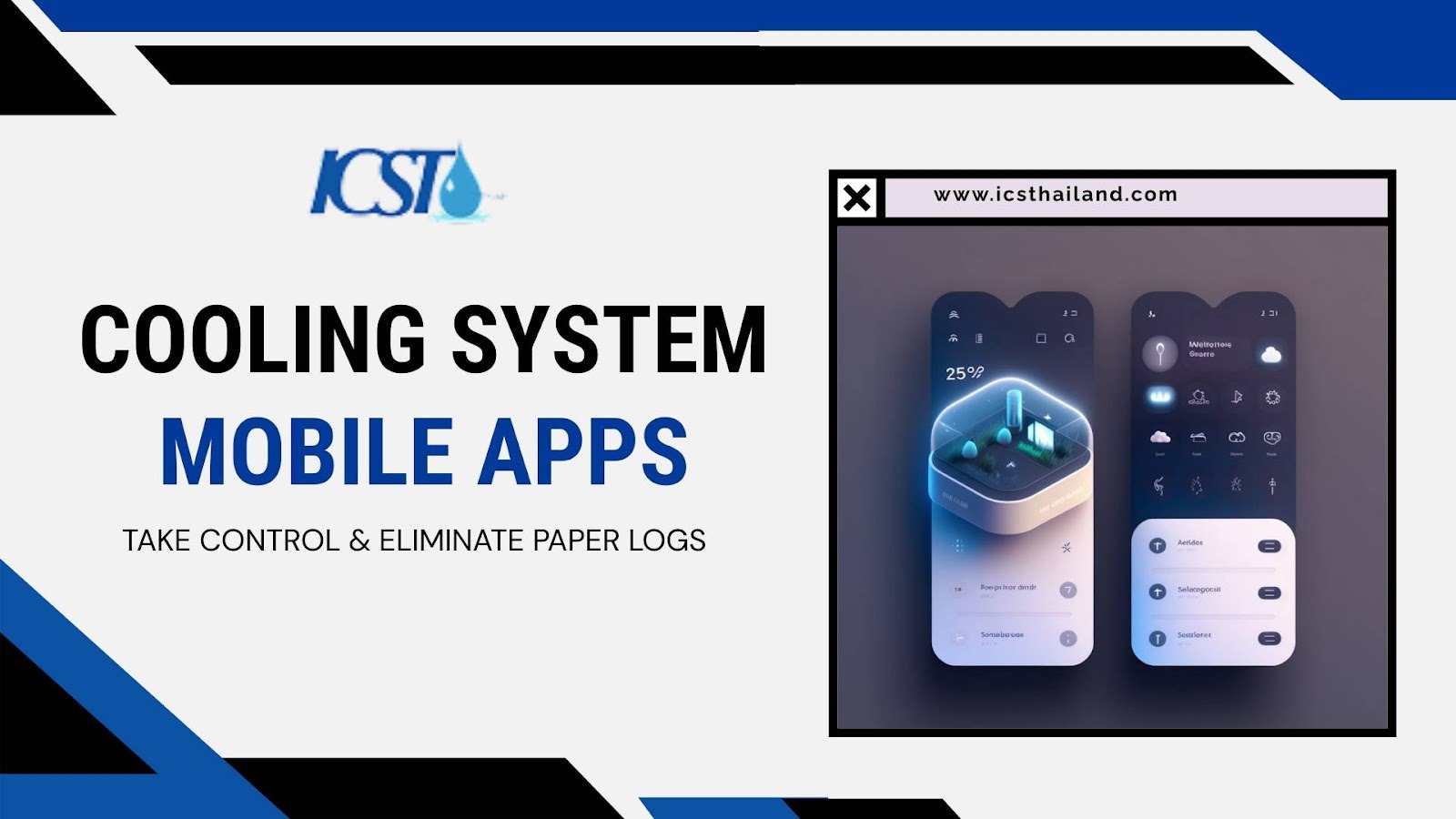
This is the promise of Cooling System Mobile Apps. Empowering technicians, eliminating outdated processes, and delivering an unmatched level of control, these apps transform how facilities operate. Stay with us to discover how cutting-edge mobile solutions put power and freedom in the palm of your hand.
The Shackle of the BMS Desk
Traditional cooling management relies on outdated methods. Technicians depend on paper maintenance logs. They communicate via noisy radios. They remain tethered to a central computer for diagnostics. This workflow causes slow response times. Data arrives late. Resources are allocated inefficiently.
The Mobile Liberation: Access from the Roof to the Riser
Cooling system mobile apps change this dynamic. They serve as a command center in your pocket. They provide a single source of truth.
These apps are essential because they deliver handheld access to critical information. A technician can view real-time KPIs exactly where they need them at the machine.
The Core Functionality: Pro Tips and Features
You need to know how to use these tools effectively. Here are actionable tips and a breakdown of core features.
The 3 Pro Tips for Maximizing Mobile Cooling Control
- Contextual AR Overlay: Do not waste time searching for manuals. Use the mobile camera to scan a QR code on a pump. The app instantly pulls up its digital history. This bypasses manual lookups entirely.
- Offline Log Sync: Basements often have poor Wi-Fi. Do not let this stop you. Good apps allow technicians to complete maintenance logs offline. The app timestamps the work. It syncs automatically when the device reconnects.
- Predictive Geofencing: Protect your off-hours time. Set up geo-fences. The app suppresses low-priority notifications when you are near home. However, it will still push critical alarms immediately.
Core Features: The Technician’s Daily Toolkit
- Real-Time KPI Dashboard: Get instant visualization of Power Usage Effectiveness (PUE), Energy Efficiency Ratio (EER), and fluid temperatures.
- Asset Management: Access complete digital service history. Check warranty status. View spare parts inventory linked to each asset.
- Alert Routing: Benefit from intelligent push notifications. The system escalates alerts based on severity. It routes them based on the technician’s location.
The Anatomy of Mobile Management
What does a robust cooling system mobile app look like? It requires a specific architecture to function correctly.
The Architecture: From Sensor to Screen
The data flow is logical and secure. It starts at the BMS or SCADA system. It moves through a secure API Gateway (often using MQTT). It enters the cloud environment. Finally, it arrives at the mobile app. This ensures data integrity at every step.
Key Requirements for Successful App Deployment

- Secure API Bridge: This is non-negotiable. You need a secure bridge for read/write access to the core BMS.
- Role-Based Access Control (RBAC): Security is paramount. Only authorized personnel should execute commands. This prevents accidental setpoint adjustments or equipment shutdowns.
- Device Compatibility: The system must support both iOS and Android. This ensures fleet-wide adoption regardless of the device brand.
The Top 6 Secret Management Tools and Apps
Advanced management requires advanced tools. Here are six unique concepts that define the future of technician tools.
CipherLog Diagnostics
Focus: Compliance & Auditing
Secret Feature: One-Tap Compliance Summary. This tool generates a tamper-proof audit trail. It compiles the past 90 days of maintenance logs for a specific CRAC unit. It is optimized for regulatory submission.
FlowState Balancer
Focus: Chiller Optimization
Secret Feature: Smart Setpoint Negotiation. It uses live external temperature and humidity data. It recommends and executes an optimal cooling supply temperature (CST). This minimizes energy draw in real-time.
VibeTrace AR
Focus: Predictive Maintenance
Secret Feature: Component RUL Overlay. Use augmented reality to identify a pump. The app projects its Remaining Useful Life (RUL). You might see “45 days until failure” based on live vibration data.
WorkFlow Pro
Focus: Technician Coordination
Secret Feature: Geo-Tagged Priority Alerts. This tool converts sensor alarms into work orders automatically. It routes the order to the nearest, qualified technician who is not busy.
PUE Guardian
Focus: Energy KPI Tracking
Secret Feature: PUE-Slam Meter. This dedicated screen visualizes PUE versus cost. Managers can instantly see the financial impact of current operations in a single chart.
ModBus Bridge Direct
Focus: Legacy Integration
Secret Feature: Virtual Protocol Mapping. Technicians can view raw ModBus register data from legacy equipment. They can do this directly within the app. This bypasses the desktop BMS for emergency diagnostics.
Strategic Implementation and ROI
Investing in mobile technology requires justification. You must understand the return on investment.
The 7 Pillars of ROI
- 25% Reduction in MTTR: Instant alerts lead to faster repairs.
- Improved Compliance: Digital logs create simplified audit trails.
- Optimized Labor Costs: Technicians spend less time traveling to and from the control room.
- Energy Savings: Faster setpoint adjustments react to fluctuating loads.
- Proactive Maintenance: RUL data allows for scheduled repairs before failure.
- Enhanced Data Quality: Records are accurate, time-stamped, and geo-tagged.
- Increased Technician Morale: Staff feel empowered with modern tools.
Cooling System Mobile Apps Strategies
Start with a phased rollout. Begin with read-only KPI access. Enable write permissions later. Focus your training on alarm acknowledgment and work order management. Do not just teach data viewing.
Understanding Your Mobile Improvement
Track your key metrics. Success is defined by the speed of completing work orders. It is also measured by the reduction in unplanned downtime.
Avoiding Pitfalls and Clarifying the Purpose
Adoption comes with risks. You must navigate them carefully.
Common Mistakes to Avoid
- Security Risks: Do not deploy an app without RBAC.
- Notification Fatigue: Avoid setting low-value push notifications. This causes technicians to ignore alerts.
- Sync Failures: ensure the app provides robust offline log sync.
Industrial Control vs. Phone CPU Cooling
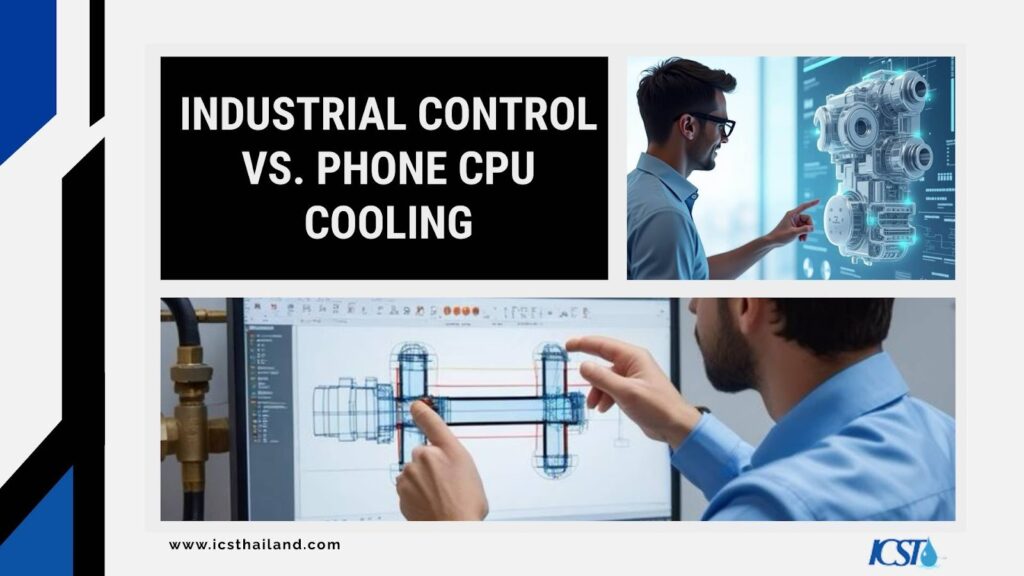
Industrial cooling system mobile apps are built for managing large-scale HVAC units, chiller systems, and real-time KPIs in facilities. They optimize performance, provide live data, and assist with asset management and maintenance.
Unlike phone cooling apps or CPU managers, these tools are not designed to address smartphone overheating caused by high CPU usage or background processes. Instead, they focus on critical industrial needs, far beyond personal device management.
Conclusion
The transition to mobile apps in cooling system management is not just a trend. It is a necessary evolution. By moving from paper logs to real-time digital control, you empower your workforce. You save money. You improve reliability.
Start evaluating your options today with ICST. Choose a solution that offers secure architecture, offline capabilities, and real-time data visualization. Your technicians and your bottom line will thank you.
Frequently Asked Questions
What are cooling system mobile apps?
Cooling system mobile apps are tools for managing HVAC units, chiller systems, and real-time KPIs, offering technicians live data and maintenance features.
How do these apps improve efficiency?
They reduce response times, optimize energy use, and provide instant access to critical data, improving overall system performance.
Can these apps cool my phone or manage CPU temperature?
No, these apps are designed for industrial HVAC systems, not for personal device cooling or CPU management.
What features should I look for in a cooling app?
Key features include real-time KPI dashboards, asset management, alert routing, and offline log syncing.
Are these apps compatible with all devices?
Most apps support both iOS and Android, ensuring wide compatibility for technicians.